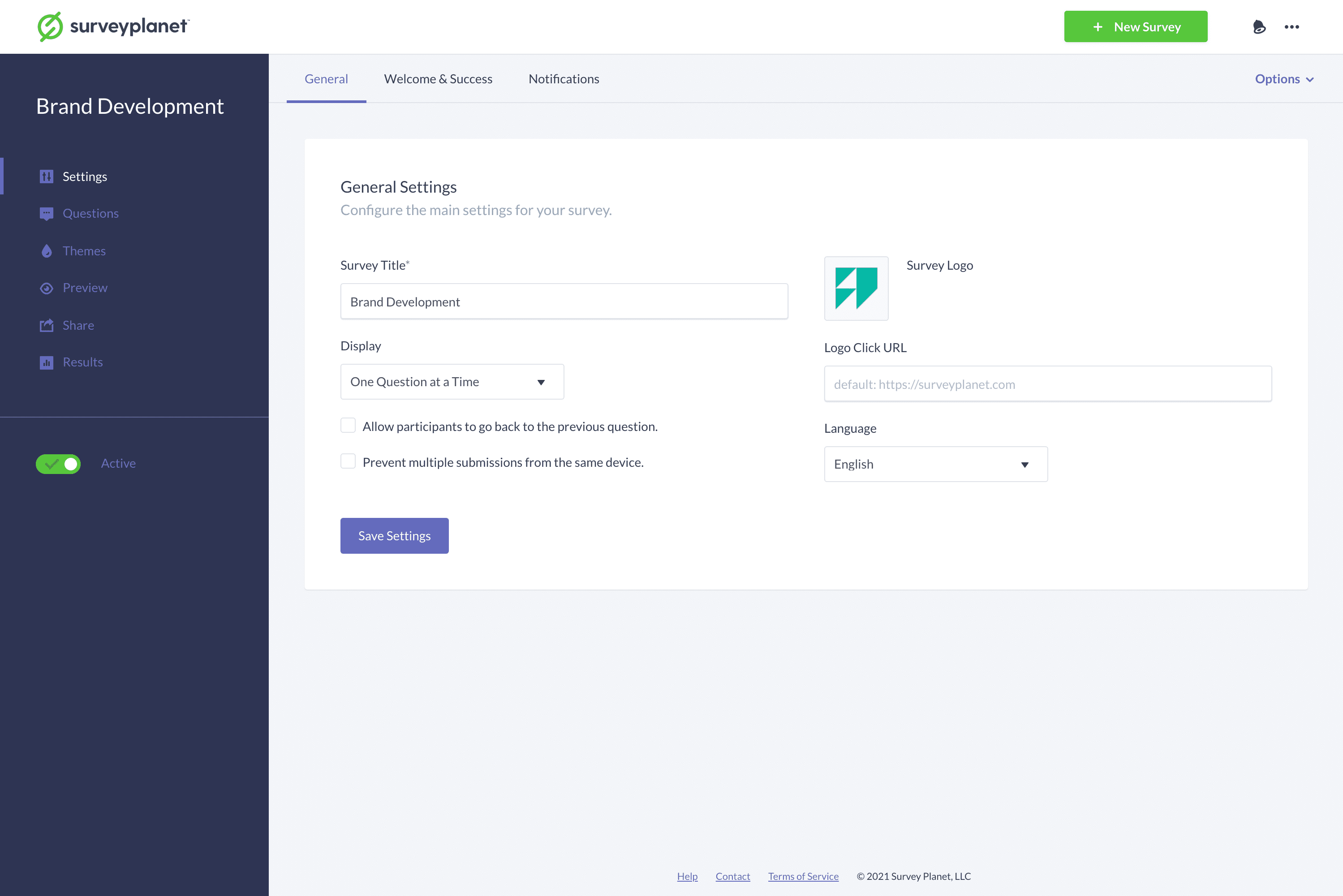
Survey settings
You can find all the main settings for your survey on the Settings page, which has three main sections: General Settings, Welcome & Success Settings, and Notifications Settings. You can get to this page by selecting the Settings icon for the survey on the survey list. Settings aren’t automatically saved. After making changes to any settings, select Save Options at the bottom of the page before moving on.