Delete a survey
To delete a survey, follow the steps below:
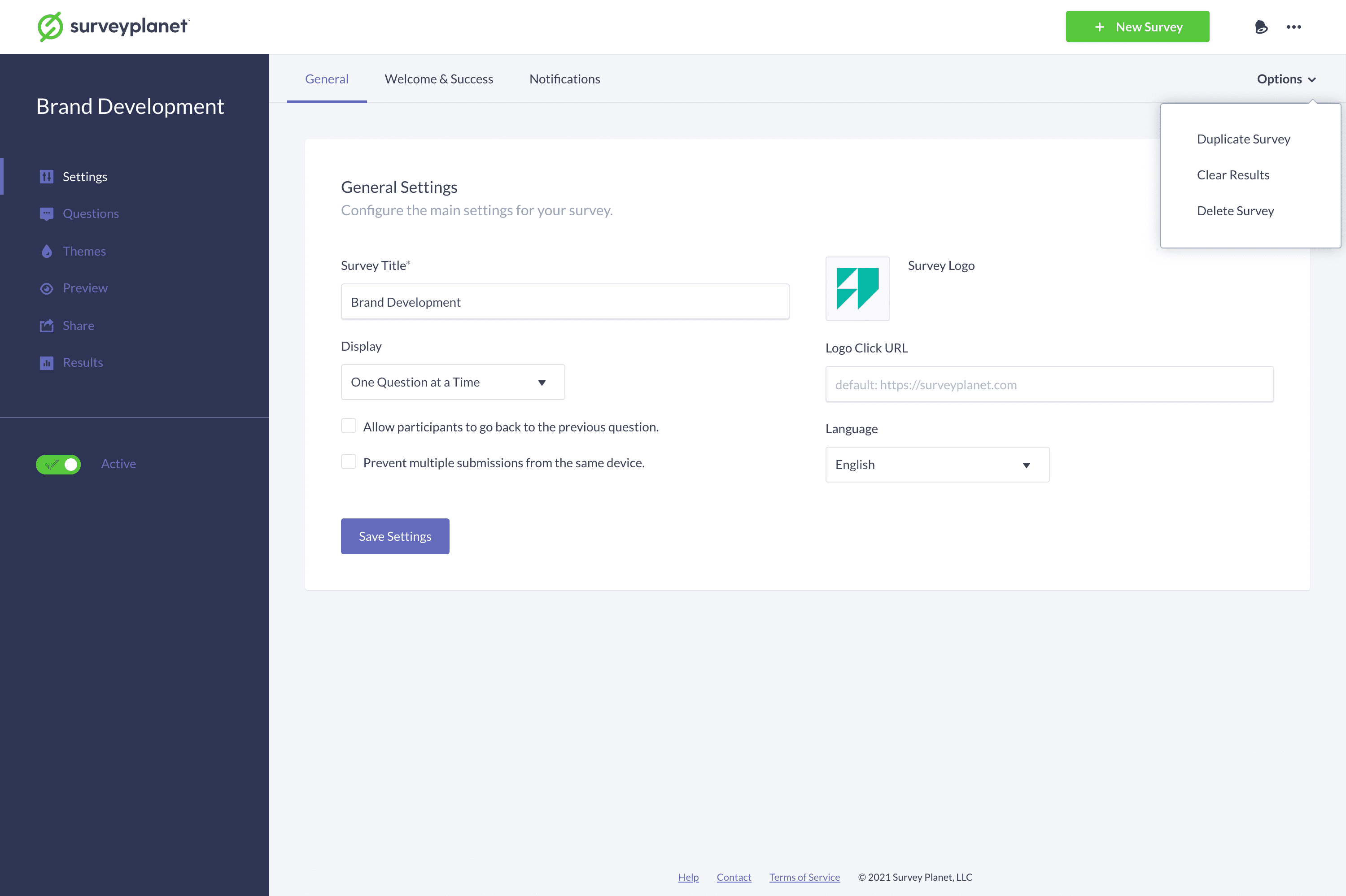
- Select the Settings icon on the Survey List page for the survey you want to delete.
- Select Options in subnavigation at the top right corner of the page.
- Select Delete Survey in the menu.
- When the confirmation dialog appears, select Delete.
Important: Once a survey is deleted, it will be completely removed along with all the questions and results pertaining to that survey. Surveys cannot be recovered once they have been deleted.