Clear survey results
There may be times when you’ll want to clear your survey results and start fresh. One way to do this is to duplicate your survey, which keeps all the results in the original survey while you start fresh in the new one. This may not be ideal in some cases because the survey URL changes when you duplicate it. To remove all your survey results, follow these steps:
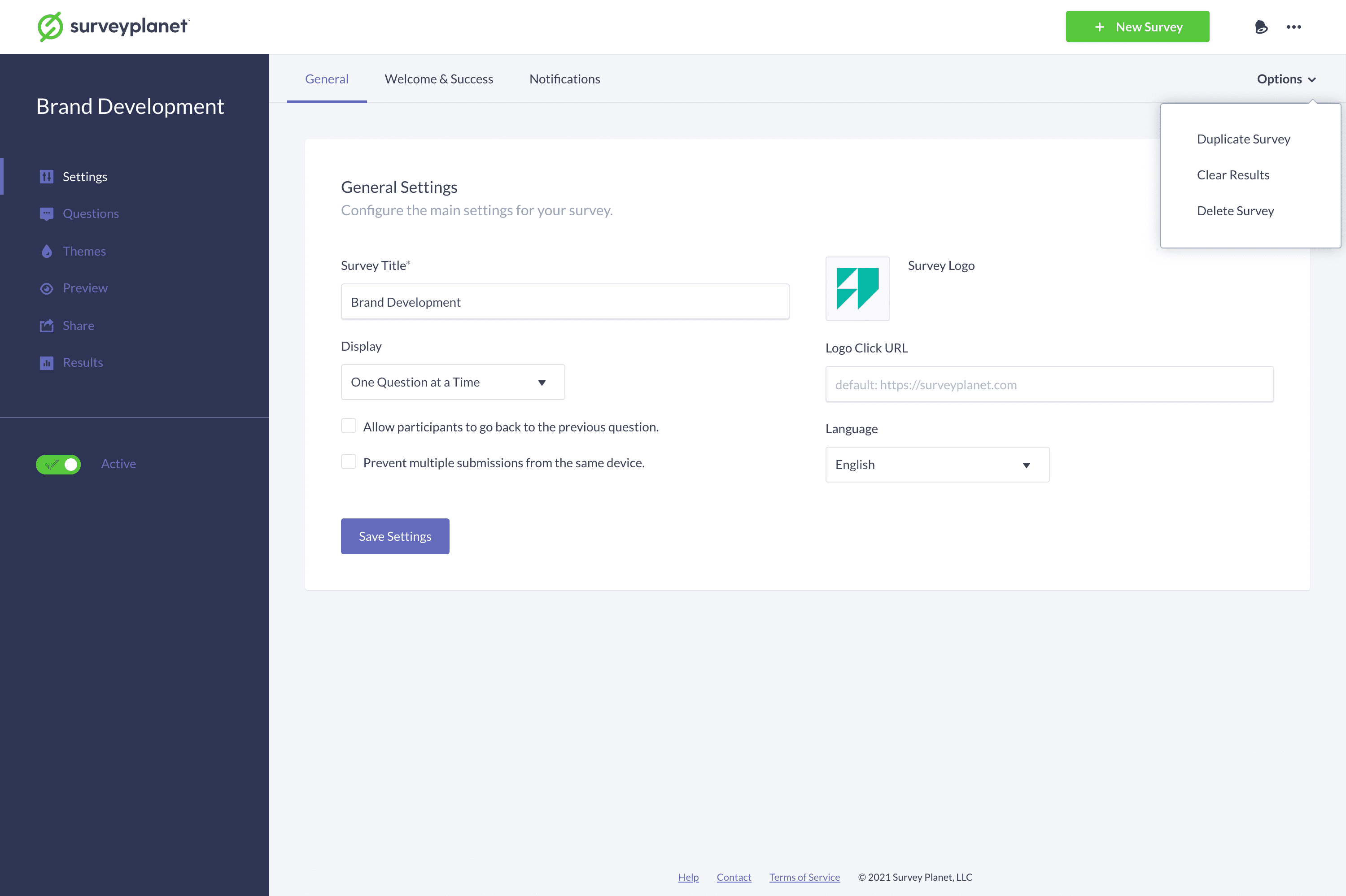
- Select the Settings icon on the Survey List page for the survey you want to delete results for.
- Select Options in the subnavigation at the top right corner of the page.
- Select Clear Results in the menu.
- When the confirmation dialog appears, select Clear.
Important: After you delete survey results, they’re removed completely and can’t be recovered.
If you only want to delete a single participant rather than all results, follow the instructions in Participant List.