Participant list
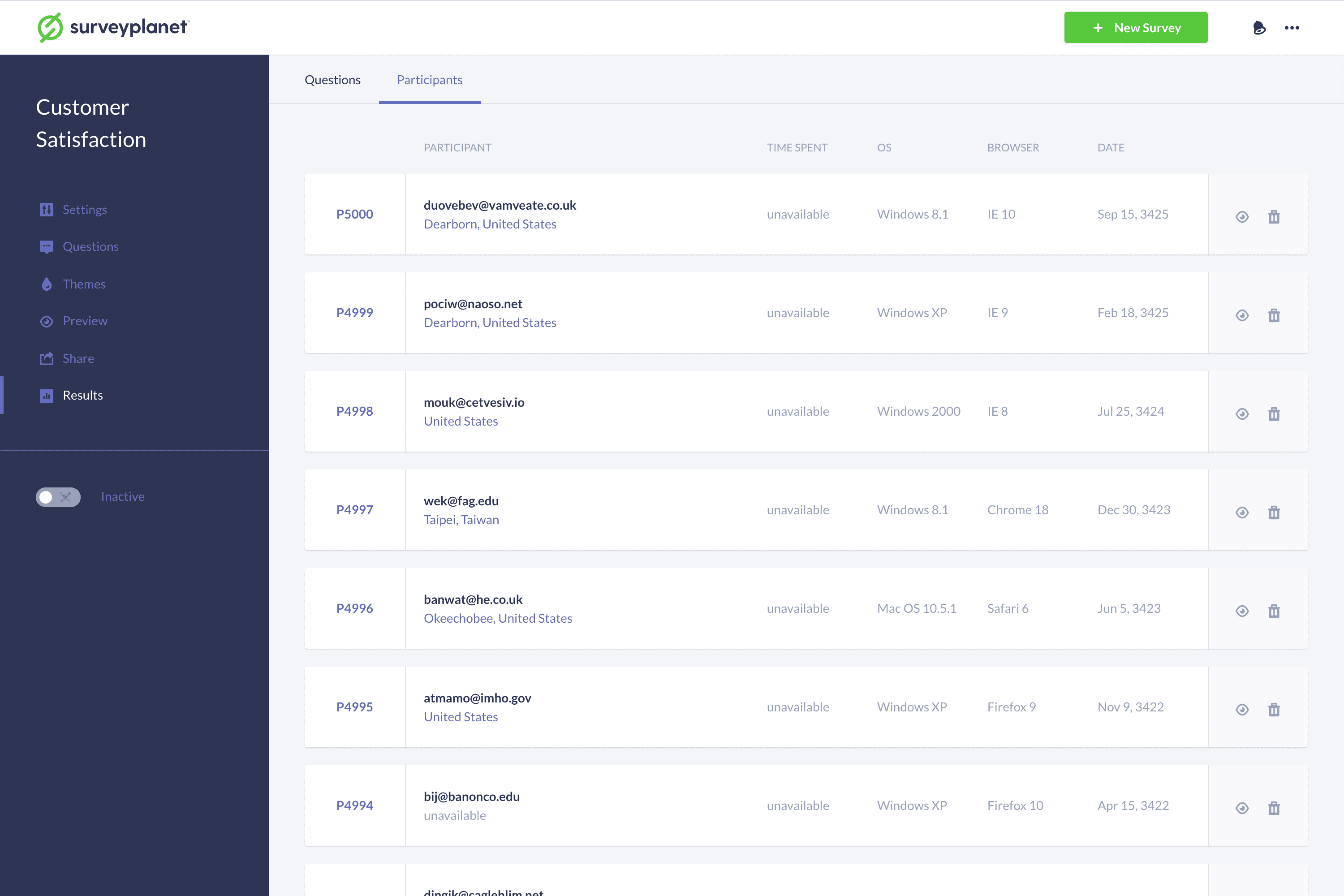
At the top of the Results page, select the Participants tab to enter the Participants List. Here you’ll see all the participants who have taken your survey along with other details. To view a participant’s answers to your survey, select the Participant Details icon at the right side of each row.
Delete a participant
To delete a participant, select the Delete icon on the right side of each list item.
For details on how to delete all your participants, see Clear Survey Results.