Date/Time question
Date/Time questions allow you to have the survey participant enter a date, time, or date and time.
Date/Time question options
Date
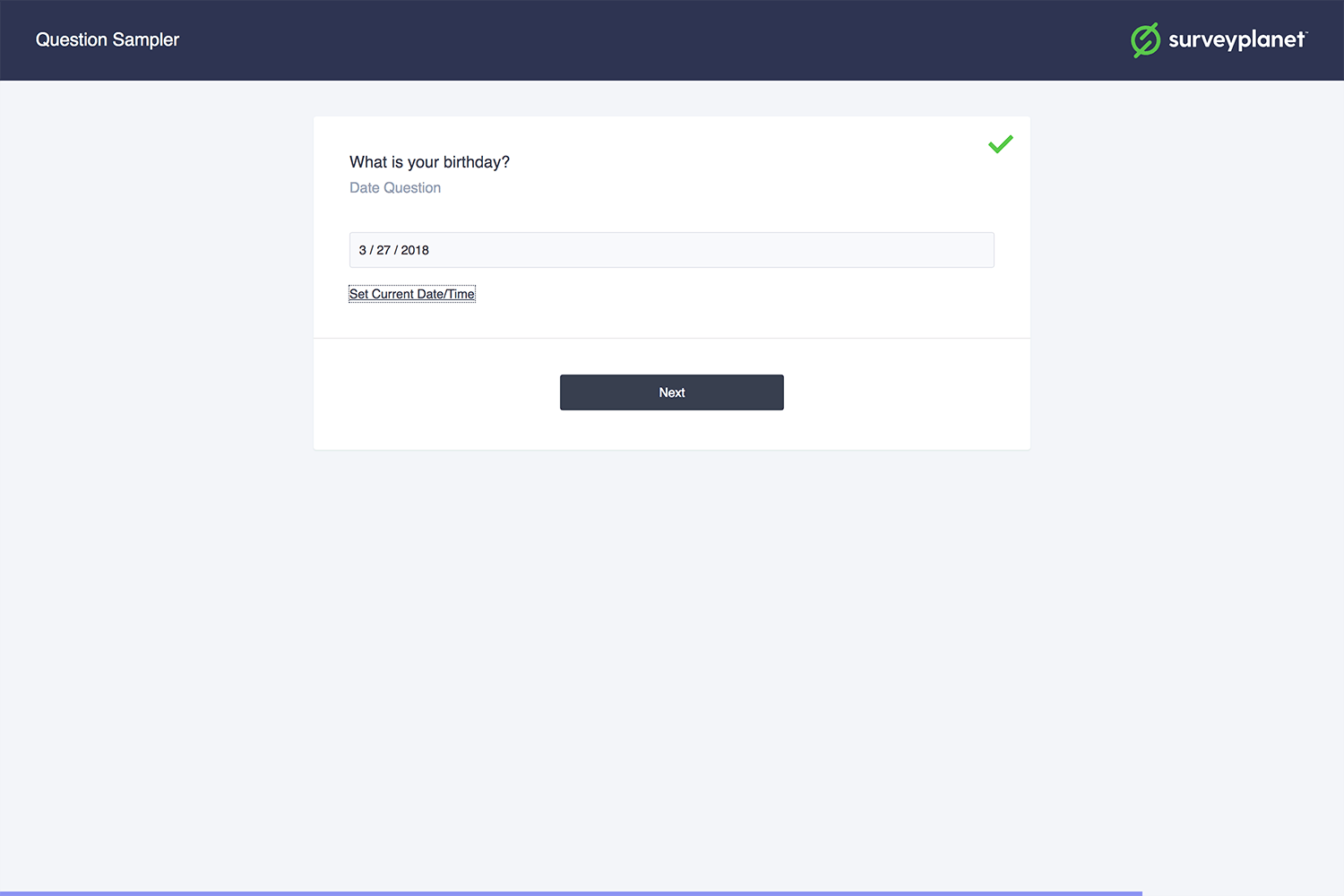
If you want the survey participant to only enter a date, select Date under Type. The participant can select Set Current Date/Time to populate the current date into the input field. Otherwise, the participant enters the date in MM/DD/YYYY format.
Time
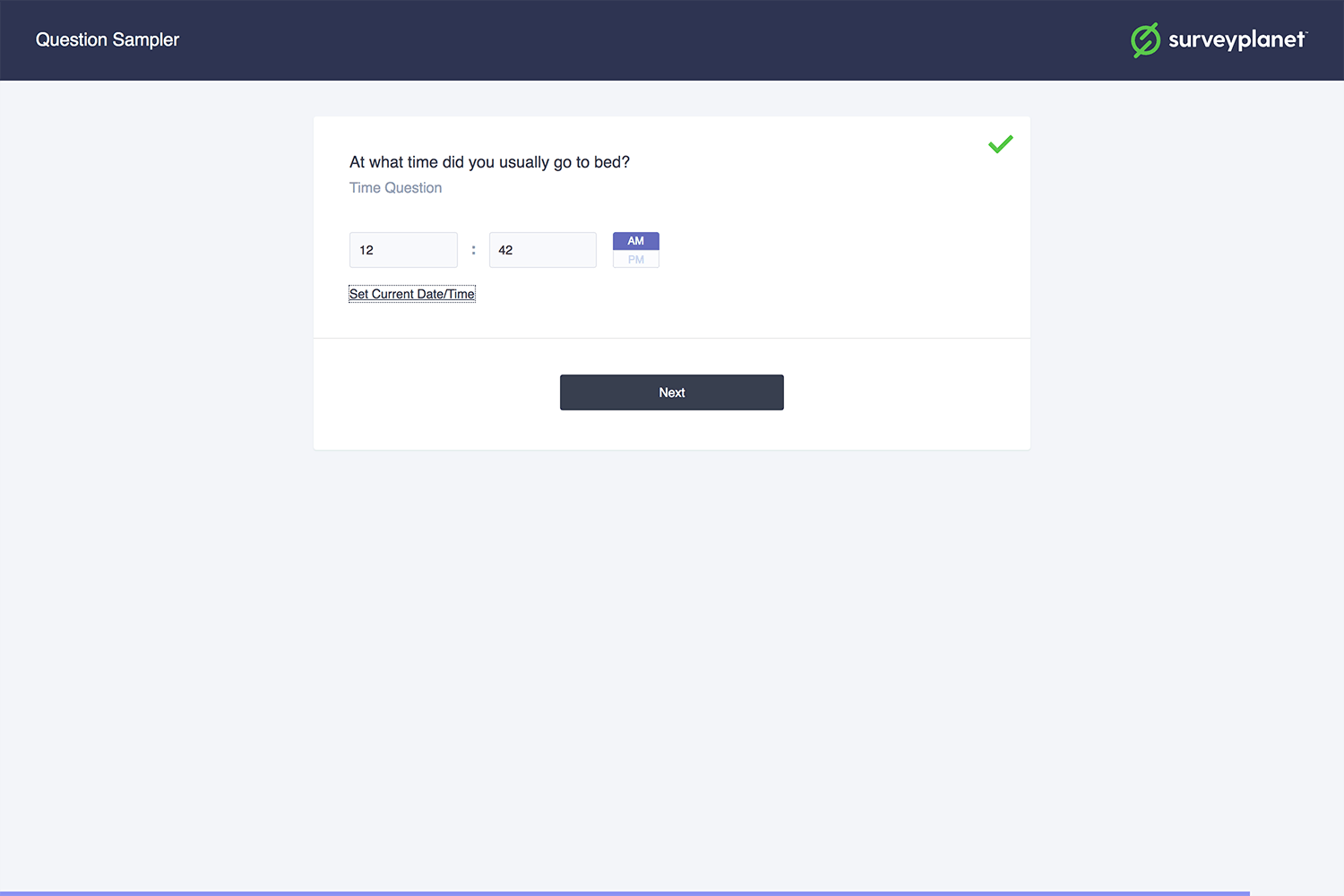
If you want the survey participant to only enter a time, select Time under Type. The participant can select Set Current Date/Time to populate the current time into the input field. Otherwise, the participant enters the time in 12-hour format and selects AM or PM.
Date & time
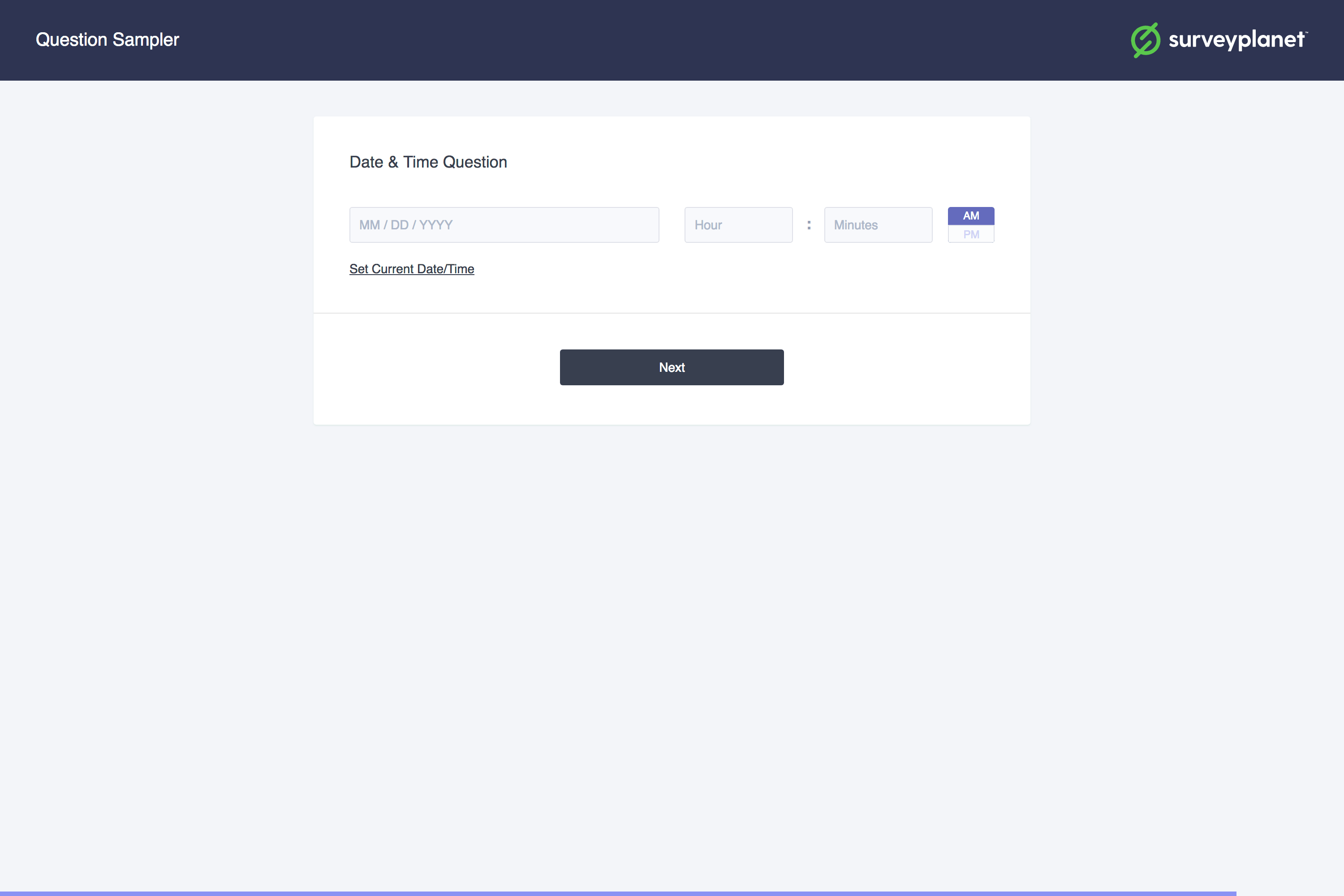
If you want the survey participant to enter both the date and time, select Date & Time under Type. The participant can select Set Current Date/Time to populate the current date and time into the input field. Otherwise, the date uses MM/DD/YYYY format, the time uses 12-hour format, and the participant selects either AM or PM.